> ## Documentation Index
> Fetch the complete documentation index at: https://docs.basic.tech/llms.txt
> Use this file to discover all available pages before exploring further.
# ⚡️ Quickstart new React project
> the fastest way to build a React app with Basic from scratch
In this guide, you will:
1. Create a new project using `create-lofi-app`
2. Customize the homepage and schema
3. Connect to a Basic project
4. Add sign in and sign out functionality
# installation
```bash Terminal theme={null}
# create a new project:
npx create-lofi-app
```
When prompted in the CLI, enter `y` for installing the vite package.
Then give your project a name.
And finally choose the Basic + Tailwind variant.
# running the app
`cd project-name` into your project, run `npm i`, and start your server with `npm run dev`:
```bash Terminal theme={null}
# first, cd into your project
cd project-name
# then, install all packages
npm i
# start your server
npm run dev
```
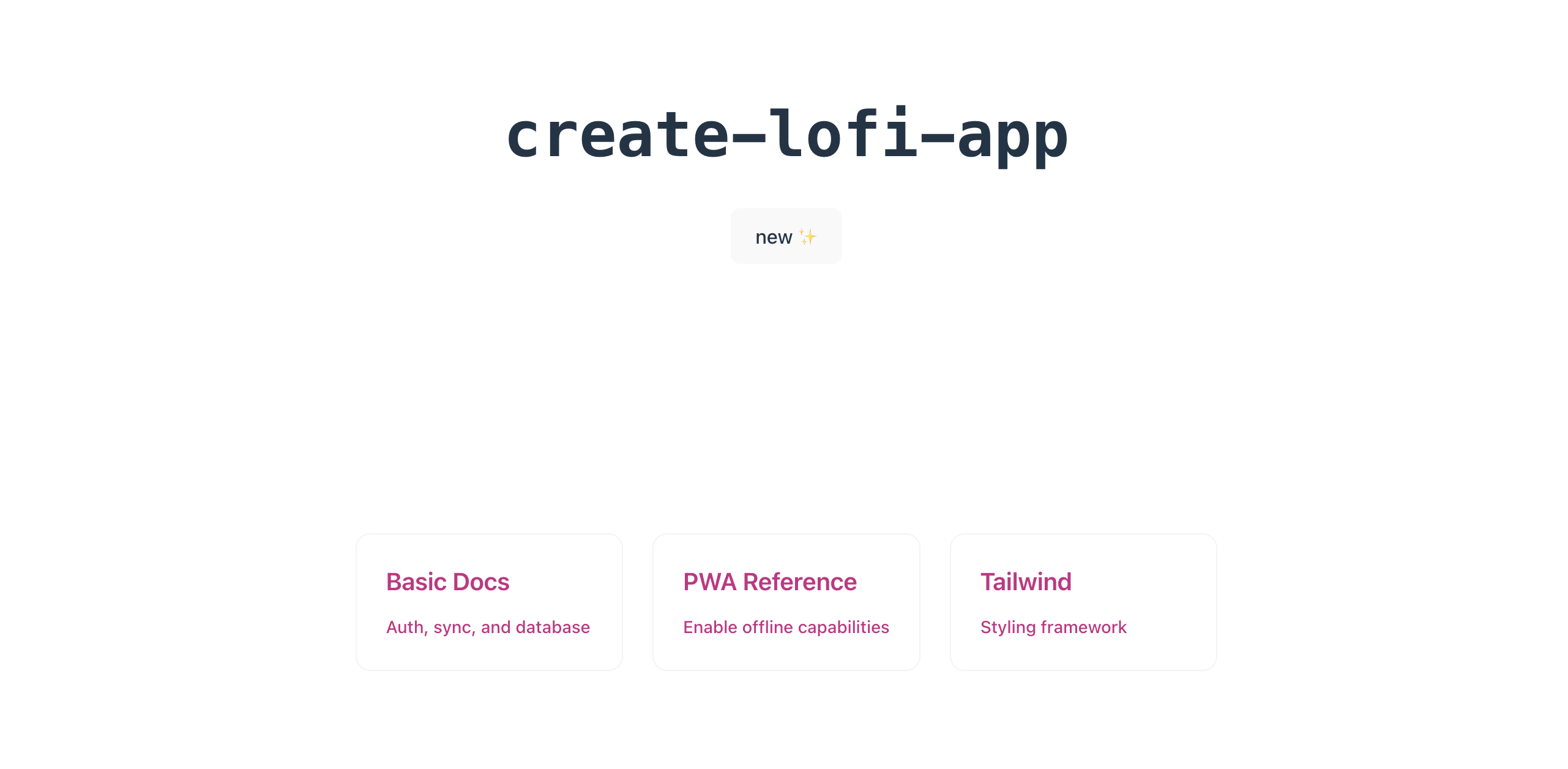
You'll now be able to navigate to `http://localhost:5173` and see the app running as below:
# customizing the app
Let's delete the existing code and simplify it by printing "my lofi app".
```diff App.tsx theme={null}
- import { useBasic, useQuery } from '@basictech/react'
import './App.css'
- const deleteCursorIcon = `url(data:image/svg+xml;base64,PHN2ZyB4bWxucz0iaHR0cDovL3d3dy53My5vcmcvMjAwMC9zdmciIHdpZHRoPSIyNCIgaGVpZ2h0PSIyNCIgdmlld0JveD0iMCAwIDI0IDI0IiBmaWxsPSJub25lIiBzdHJva2U9IiM2MEE1RkEiIHN0cm9rZS13aWR0aD0iMiIgc3Ryb2tlLWxpbmVjYXA9InJvdW5kIiBzdHJva2UtbGluZWpvaW49InJvdW5kIj48cG9seWxpbmUgcG9pbnRzPSIzIDYgNSA2IDIxIDYiPjwvcG9seWxpbmU+PHBhdGggZD0iTTE5IDZ2MTRhMiAyIDAgMCAxLTIgMkg3YTIgMiAwIDAgMS0yLTJWNm0zIDBWNGEyIDIgMCAwIDEgMi0yaDRhMiAyIDAgMCAxIDIgMnYyIj48L3BhdGg+PC9zdmc+),auto`
function App() {
- const { db } = useBasic()
- const emojis = useQuery(() => db.collection('emojis').getAll())
return (
<>
+
)
}
export default App
```
set up the schema based on your project needs and as per the schema docs.
```diff basic.config.ts theme={null}
export const schema = {
project_id: '',
version: 0,
tables: {
+ your_table_name: {
+ type: 'collection',
+ fields: {
+ your_field_name: {
+ type: 'string',
+ },
+ },
- emojis: {
- type: 'collection',
- fields: {
- value: {
- type: 'string',
- },
- },
- },
},
}
```
You're ready to test and develop your app locally!
## testing sync and Auth
You can continue to test the app locally without the following steps, but if you wish to test sync and Auth, you would need to create a Basic project and connect it to the app.
You can use the [Basic CLI](/get-started/cli) to create a new project (the `basic init` command will automatically update the `basic.config.ts` file with the project\_id). You will need to `basic push` to update the version number in the `basic.config.ts` file.
...or [use the Basic dashboard](/get-started/adminportal) to create and connect to a new Basic project (make sure to update the `basic.config.ts` file with the project\_id). You will need to manually update the version number in the `basic.config.ts` file to match the version number in your Basic admin project dashboard.
```typescript basic.config.ts theme={null}
export const schema = {
project_id: 'Update this with YOUR_PROJECT_ID',
version: 'your updated schema version',
tables: {
...
}
}
```
Now navigate to `src/App.tsx` and import `signin`, `isSignedIn`, and `user`.
```tsx App.tsx theme={null}
/// add back the UseBasic import
import { useBasic } from '@basictech/react'
import './App.css'
function App() {
// Import signin to enable the user to sign in
// Import isSignedIn to check if the user is signed in
// Import user to get the user's information once they're signed in
const { signin, isSignedIn, user } = useBasic()
return (
<>
{/* if the user isn't signed in, show the sign in button */}
{!isSignedIn ? (
) : (
// once signed in, show their email
Signed in as: {user?.email}
)}
)
}
export default App
```
Let's test it out! Clicking on the button should now redirect you to the [Basic.id](http://Basic.id) page where your users can login or create an account.
Once they're done, they'll be redirected back to your app and see their email displayed.
Use the isSignedIn hook to check if the user is logged in, and the signout function to sign out the user:
```tsx App.tsx theme={null}
import { useBasic } from '@basictech/react'
import './App.css'
function App() {
// Add signout to the imports
const { signin, isSignedIn, user, signout } = useBasic()
return (
<>
{!isSignedIn ? (
Signed in as: {user?.email}
{/* Add a button to sign out */}
) : (
)}
)
}
export default App
```
That's it! You've successfully added Basic Auth to your React app 🎉
***
# Using the database
You can use the React SDK documentation to read and write to the user's database. Checkout the [React SDK docs](/sdk-reference/react-components) to get started.
 # customizing the app